← Back to the talk
How to join the riseup-internship group
You need to join the Google Group to get updates and instructions about the intern position, bootcamp, and assessment. It takes about 30 seconds.
- 1.
Open the group page
Click the link above. You will land on the group page. Because you are not a member yet, Google shows “You don't have permission to access this content.” Don't worry — that is expected.
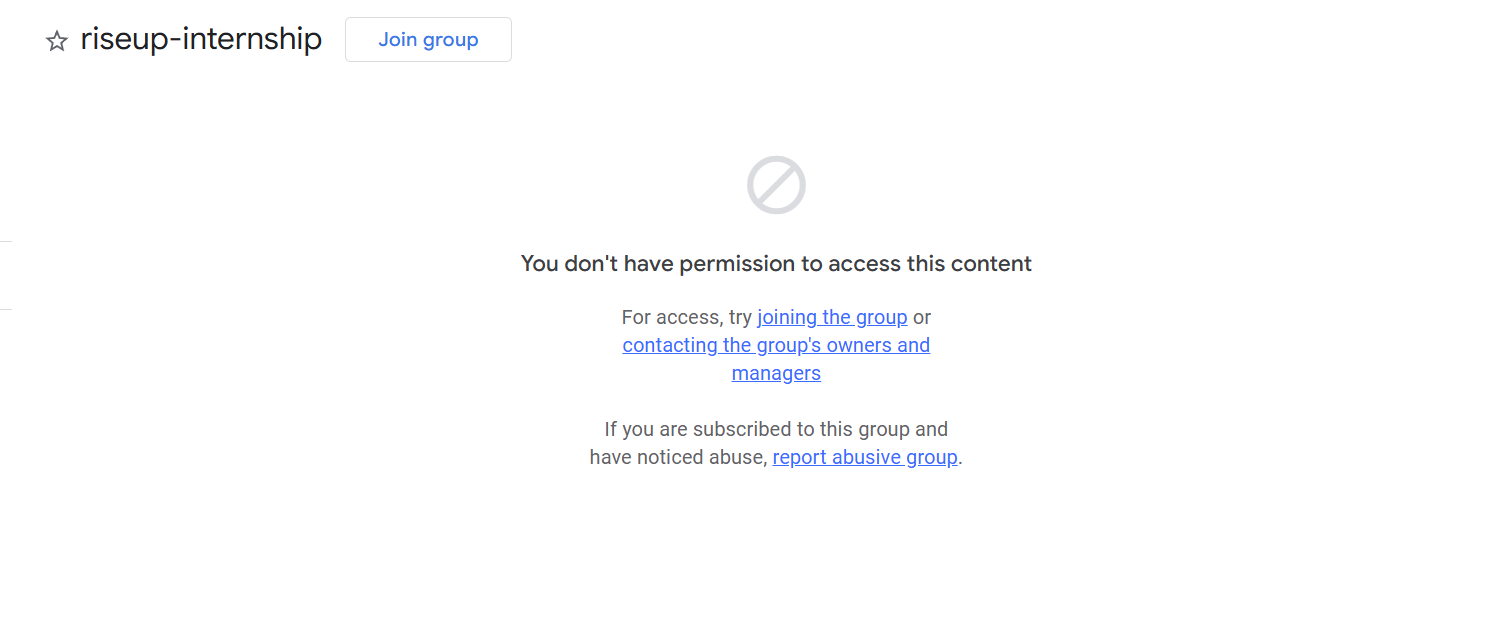
Look for the link labeled “joining the group” (highlighted in red). - 2.
Click “joining the group”
Under “For access, try joining the group or contacting the group's owners and managers”, click the blue joining the group link.
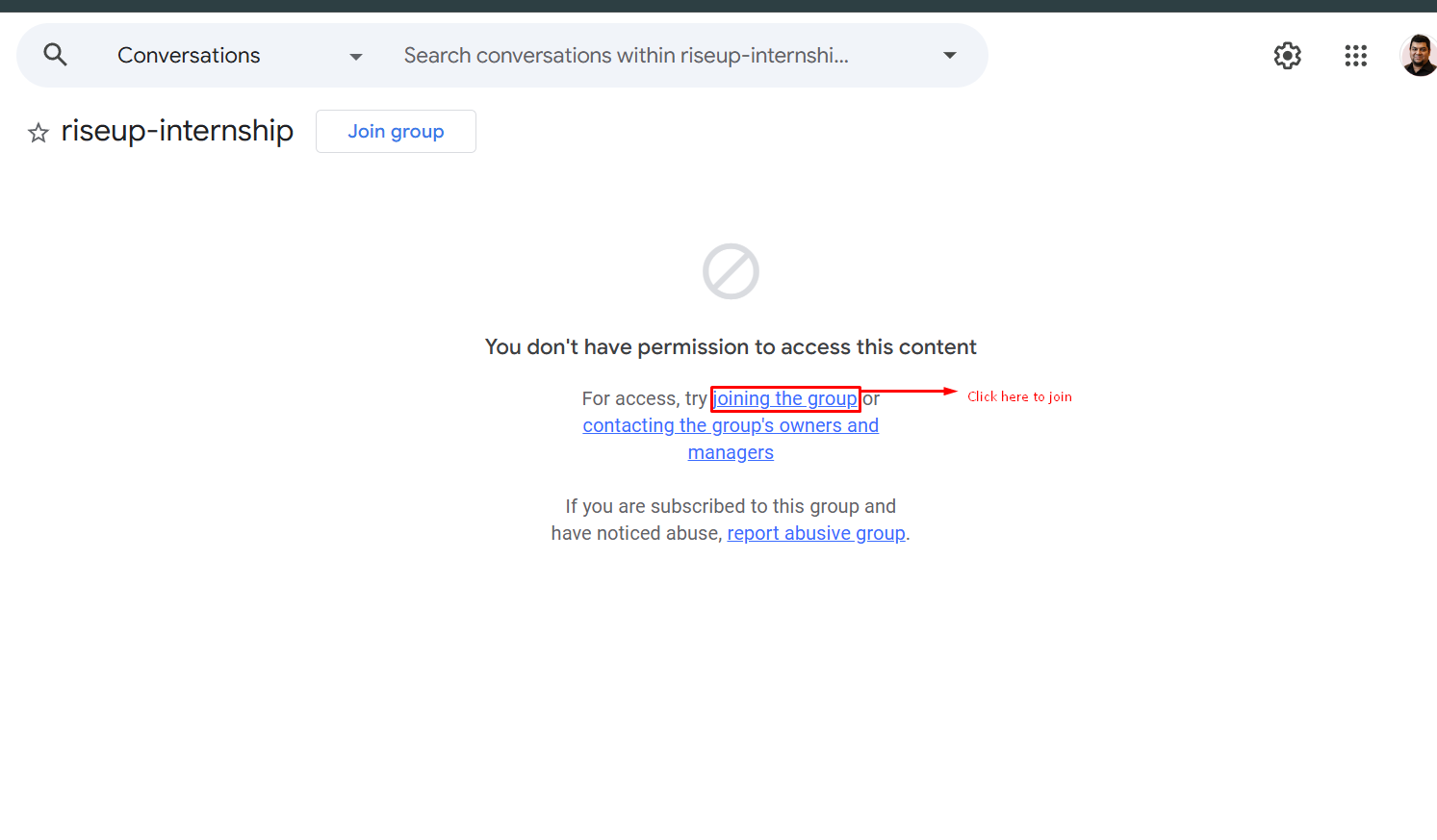
That is the link you click. - 3.
Sign in and confirm
If Google asks, sign in with your Google account. Then press the Join group button. You may be asked for a display name and email preferences — pick whatever you like. That's it. You are in.